
Please find below the steps to modify or update the auto-reply from your end:
Log in to the CPaaS panel: https://cpaas.netcorecloud.com/app/whatsapp/
Go to Settings
Click on Business Number
- Select the correct business number
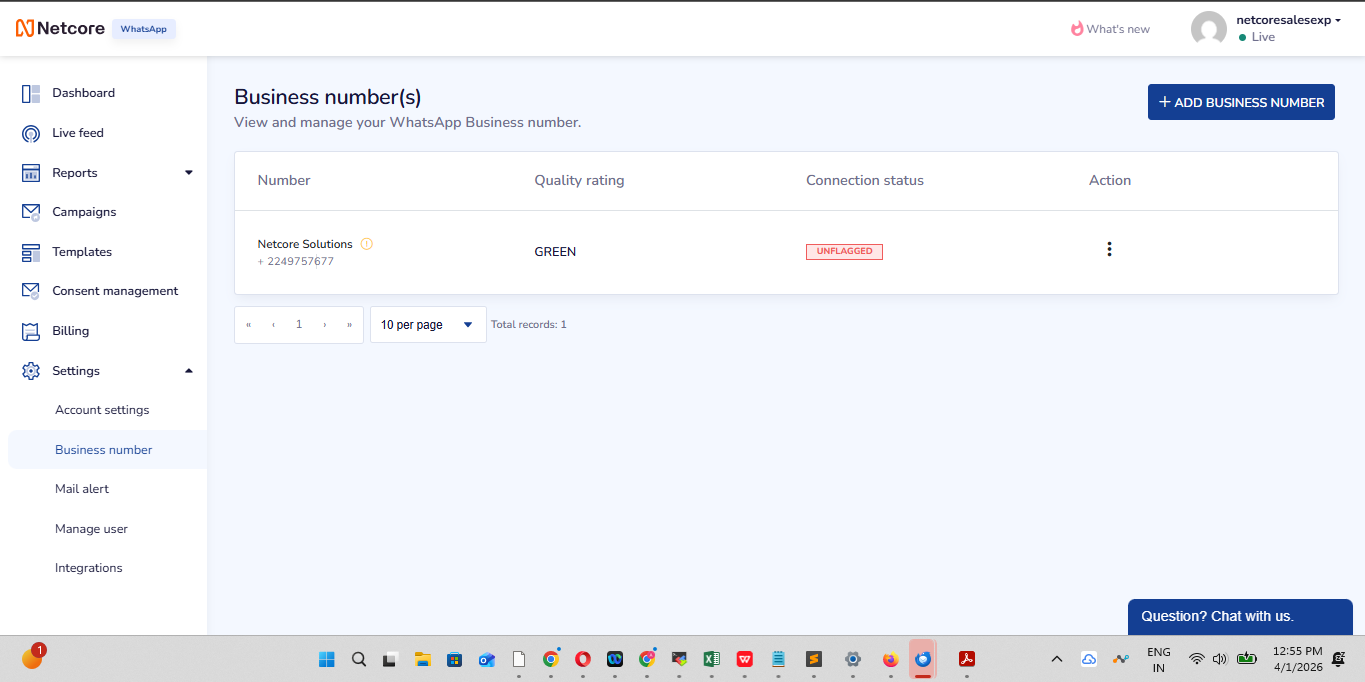
- select the three dots and then choose edit.
- Navigate to Auto Reply and set the required responses
Kindly follow the above steps to make any necessary updates.
Please let us know if you need any further assistance.