If you ever forgot your 2FA or want to change your 2FA method, you can do it by 2 ways,
1. If you can still login to your Netcore CPaaS panel, you can go to Profile=> 2FA => select an appropriate 2FA method.
2. If you have the username & password to login to panel but not able to login to the panel due to 2FA configuration, below are the steps to be followed to reset your 2FA.
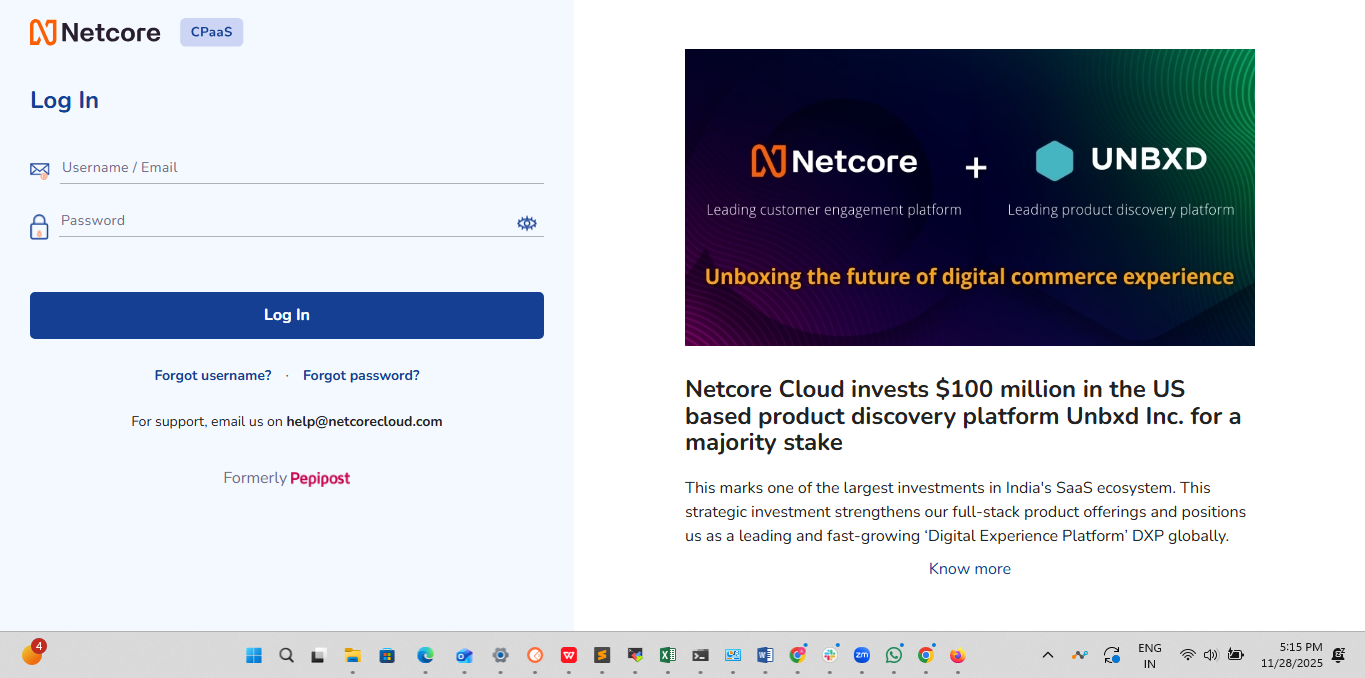
Go to the CPaaS login page: https://cpaas.netcorecloud.com/index.php/login/index
Enter your login username and password. Click the Login button.
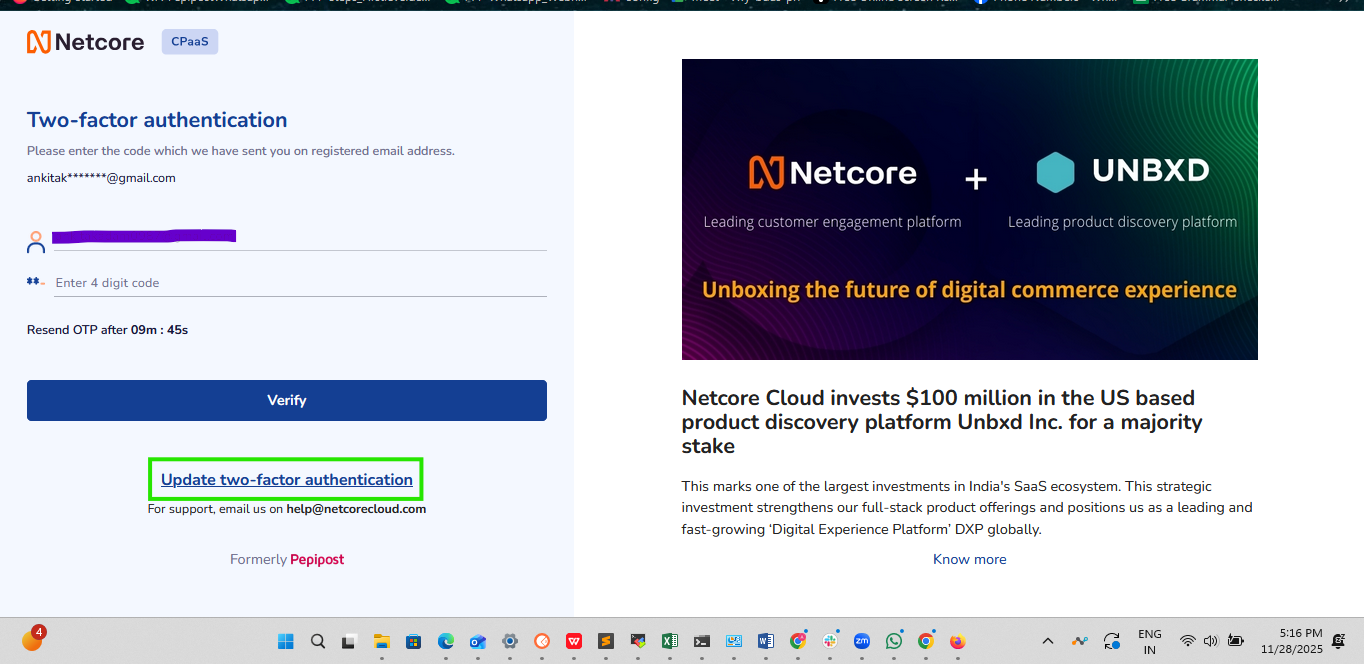
To reset the 2FA, click on the ‘Update Two-Factor Authentication’ button located below the ‘Verify’ button.
Once you click on ‘Update Two-Factor Authentication’, an OTP will be sent to your registered email address. Enter the OTP to proceed.
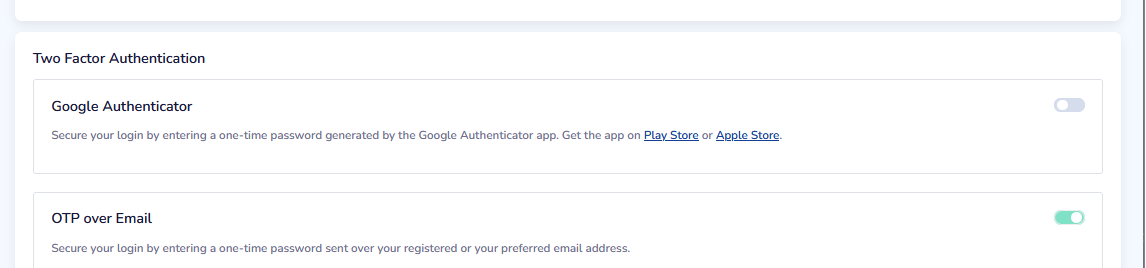
After verification, you will be logged into your panel and automatically redirected to Profile Settings.
There, you will see two options for two-factor authentication (2FA):
a. Google Authenticator
b. OTP via Email
Please choose one of these option to set up 2FA for your account.