
By default, the list shown on the panel within suppression feature belongs to all the email ids which were added to the suppression list within the last 30 days. There is a high possibility that the user could have added to the suppression list before the last 30 days and hence you are not able to search him with the default filters available on the suppression page.
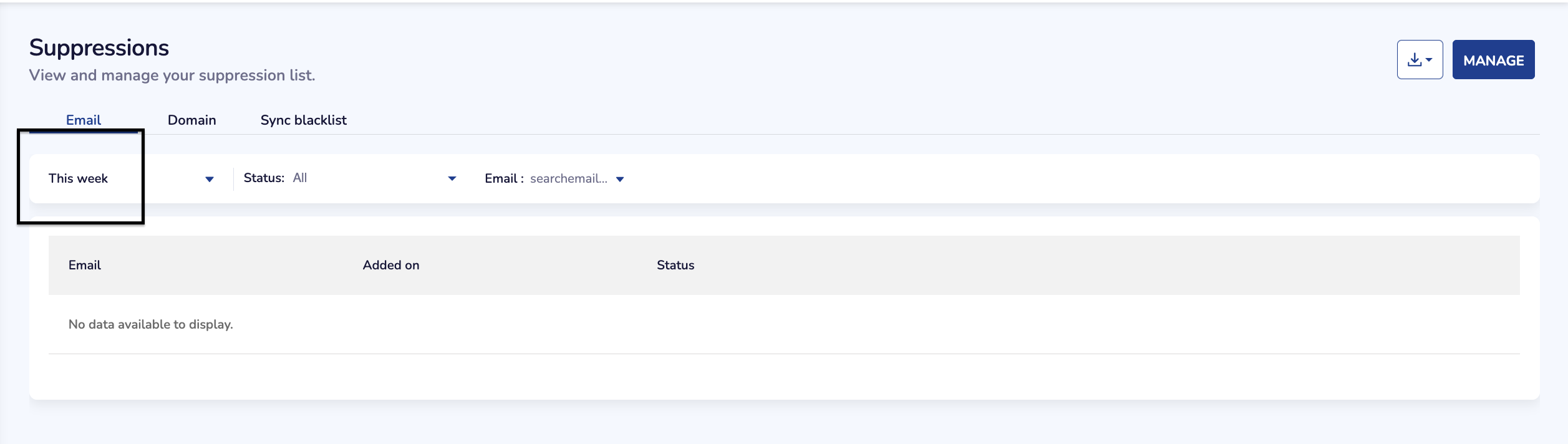
In order to fix this, click on the date filter as given in the below image and enhance your search by increasing the date range to last 12 months so as to get accurate results when searching the suppressed email ids.
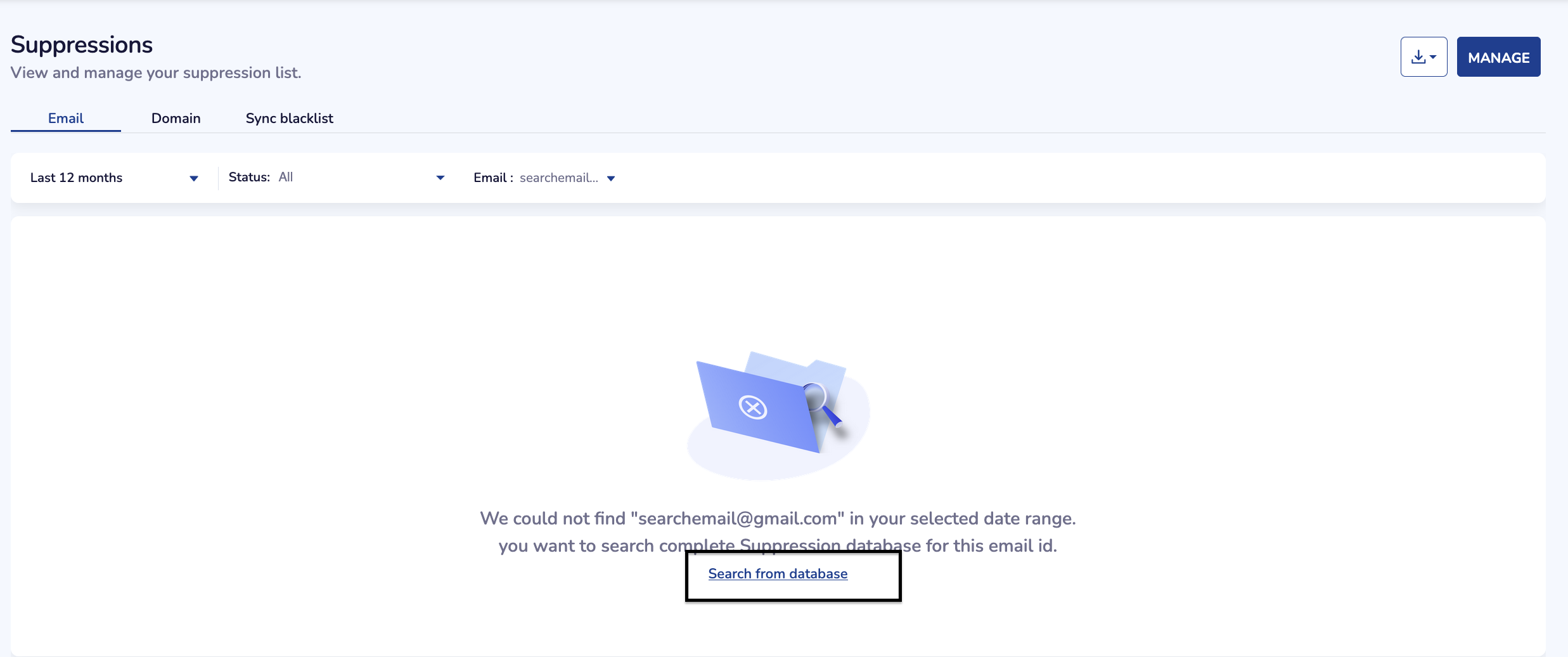
In case if you are still not able to locate the same, you should search through the complete database using the option "Search from database" available on the output of search page as shown in below image,
Do reach out to support team on help@netcorecloud.com for any help required on the same.